
Your Journey to Dynamics 365 Starts Here!
Fill in your business details and let
us be your partner in growth.

Every business needs the right ERP. Discover how Business Central and Finance & Operations compare in features, pricing, and scalability to identify the best fit for your business goals. As a Microsoft Solutions Partner, Dynamics Square helps you make an informed ERP decision with expert guidance.
Not sure which bucket you're in?
Take our 2-minute ERP Fit Assessment

Dynamics 365 Business Central is Microsoft's ERP for small to mid-sized businesses. It is faster to implement (3-6 months), lower in cost (from $80/user/month), and simpler to operate.

Dynamics 365 Finance & Operations (Finance + Supply Chain Management) is built for large, complex, and multi-national enterprises requiring deeper functionality. It is longer to implement and higher in total cost.
If you have under 250 employees and one core entity, Business Central almost always wins. If you operate across countries, currencies, and legal entities with complex manufacturing or finance needs, Finance & Operations is the safer long-term fit.
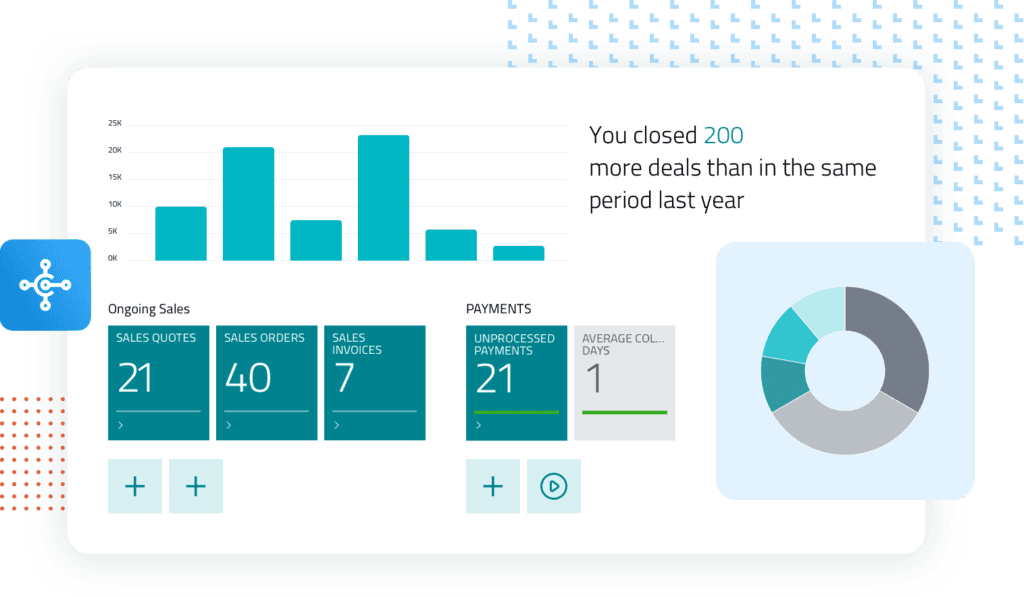
Dynamics 365 Business Central is Microsoft's cloud-first ERP, built for small and mid-sized businesses. It runs on the same underlying code lineage as Dynamics NAV, which means it's fast to deploy, easy to learn, and already familiar to the millions of NAV users worldwide. It covers finance, sales, purchasing, inventory, and project management in a single, unified system with Microsoft Copilot built in for AI-assisted forecasting, insights, and task automation.
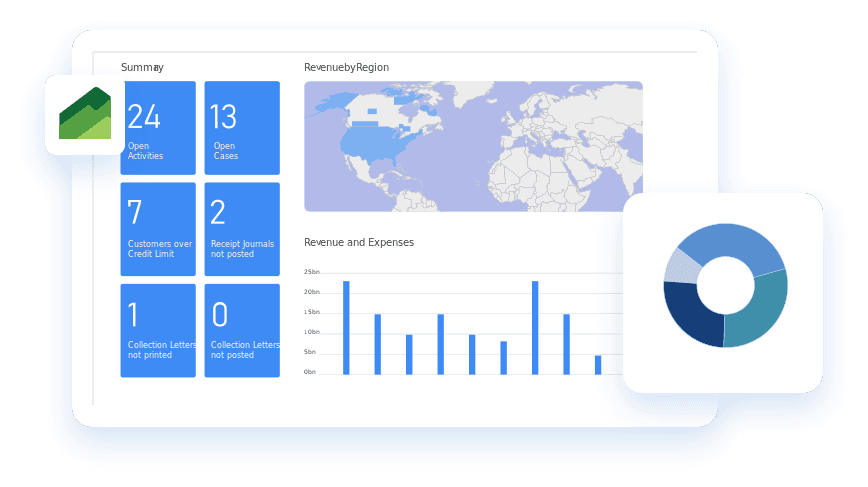
Dynamics 365 Finance & Operations, now sold as two separate licenses (and apps): Dynamics 365 Finance and Dynamics 365 Supply Chain Management is Microsoft's enterprise-grade ERP.
Built on a separate, more configurable architecture, it's designed for large or multi-national organizations that need advanced financial consolidations, complex manufacturing, global tax compliance, and profound customization across dozens of legal entities.
Before comparing cost and timeline, it helps to see what each system actually covers out of the box.
Both platforms cover the same core ground, which includes finance, sales, purchasing, inventory, and projects, but Finance & Operations goes considerably deeper in manufacturing, warehouse/transportation, and multi-jurisdiction compliance, while Business Central keeps the same functions simpler and faster to adopt.
Business CentralFinance & OperationsComparison tables tell you what's different, but buyers make the decision based on how it runs their business day to day. Here's how the two platforms handle the core processes that matter most.
Both platforms support multi-entity and multi-currency accounting. Business Central handles this well for organizations with a handful of entities and straightforward consolidation needs. Finance & Operations is purpose-built for complex reporting structures. It has automated consolidations across dozens of entities, advanced posting frameworks, and regulatory reporting for multiple jurisdictions at once.
Business Central covers essential purchasing, vendor management, and requisitions, enough for most mid-sized operations. Finance & Operations adds full requisition workflows, vendor collaboration portals, expense management, and advanced demand planning for organizations managing high-volume, high-complexity procurement.
Business Central handles standard sales orders, invoicing, and basic revenue deferrals cleanly. Finance & Operations supports complex pricing models, trade agreements, and advanced revenue recognition, built for businesses with intricate contract structures or regulatory revenue rules.
Business Central Premium covers core production planning and shop floor basics, which is solid for light-to-moderate manufacturing. Finance & Operations goes deeper, with advanced scheduling, transportation management, and warehouse automation built for high-volume, multi-site manufacturing operations.
Business CentralFinance & OperationsMost businesses fall closer to the line than they expect. The fastest way to know for certain is a short conversation with someone who's implemented both.
The wrong ERP choice costs more than money. It costs your team a year to undo the mistakes. Dynamics Square gets you to the right one the first time.
We've deployed both Business Central and Finance & Operations across industries, so our recommendation is based on our experience.
Deep enough bench strength to support you through evaluation, implementation, and everything after go-live.
Whether you're mid-migration or three years into production, we stay in your corner long after go-live.
We don't push you toward the bigger, more expensive system to increase deal size. We tell you which one actually fits.
The right technology can change everything, and Dynamics Square makes sure your business gets the one that's actually built for it.
Talk to a Microsoft ERP Expert